


5 Steps to Automate Your Band Schedule and Payroll (Easy Guide for Bandleaders)
Are you spending more time in spreadsheets than in soundcheck?
If you're a bandleader who has ever stayed up past midnight manually calculating who gets paid what for last Saturday's gig, you're not alone. The dirty secret of running a successful band is that the admin can eat you alive if you let it.
I've been there. For years, I ran my band using a patchwork of Google Sheets, text message threads, and sticky notes. It worked, until it didn't. Missed payments, double-booked musicians, and the constant anxiety of "did I forget something?" became my normal.
Here's the good news: it doesn't have to be that way. With the right band management software, you can automate your schedule and payroll in a weekend and save yourself 5+ hours of admin work per gig. No coding required. No finance degree needed.
Let me walk you through the exact 5 steps to make it happen.
Step 1: Get Everything Out of Your Head (and Out of the Spreadsheet)
The first step isn't glamorous, but it's critical: centralize your chaos.
Right now, your band's "system" probably looks like this:
- A spreadsheet with gig dates (half of which are outdated)
- A group chat where you confirm availability (buried under memes)
- A notes app with client contact info (somewhere...)
- A calculator app for splitting payments after every show
Sound familiar?
The problem isn't that you're disorganized, it's that you're using tools that weren't built for bands. A band schedule app needs to do more than just show dates. It needs to handle availability, client details, setlists, contracts, AND payments in one place.
Your action step: Make a list of every place you currently store band information. Contacts, gig history, payment records, musician availability, all of it. This is your "transfer list" for Step 2.

Step 2: Set Up Automated Lead Capture and Booking
Here's where the magic starts.
Instead of manually entering every inquiry that comes through your website or email, you can set up a system that captures leads automatically and drops them straight into your calendar pipeline.
With Back On Stage's automated booking system, when someone fills out your inquiry form, their event details, date, venue, budget, contact info, flow directly into your dashboard. No copy-pasting. No lost emails.
But here's the part that saves you real time: Auto-Book.
Auto-Book looks at your roster, checks everyone's availability, and can automatically assign musicians to gigs based on rules you set. Need a 5-piece for weddings but a trio for corporate cocktail hours? Set it once, and the system handles it.
The result? You go from "chasing down 6 musicians via text" to "confirming a fully-staffed gig with one click."
Pro tip: If you're still using a basic contact form that just sends you an email, you're leaving hours on the table every week. A proper band booking app turns inquiries into organized opportunities automatically.
Step 3: Build Your Roster and Let Musicians Manage Their Own Availability
This step alone will cut your admin time in half.
One of the biggest headaches of running a band is the availability dance. You get a gig inquiry for March 15th, and suddenly you're texting 8 people: "Hey, you free on the 15th?" Then you wait. And wait. And follow up. And someone says "which 15th?" and you want to throw your phone into the ocean.
Here's the fix: let your musicians update their own availability.
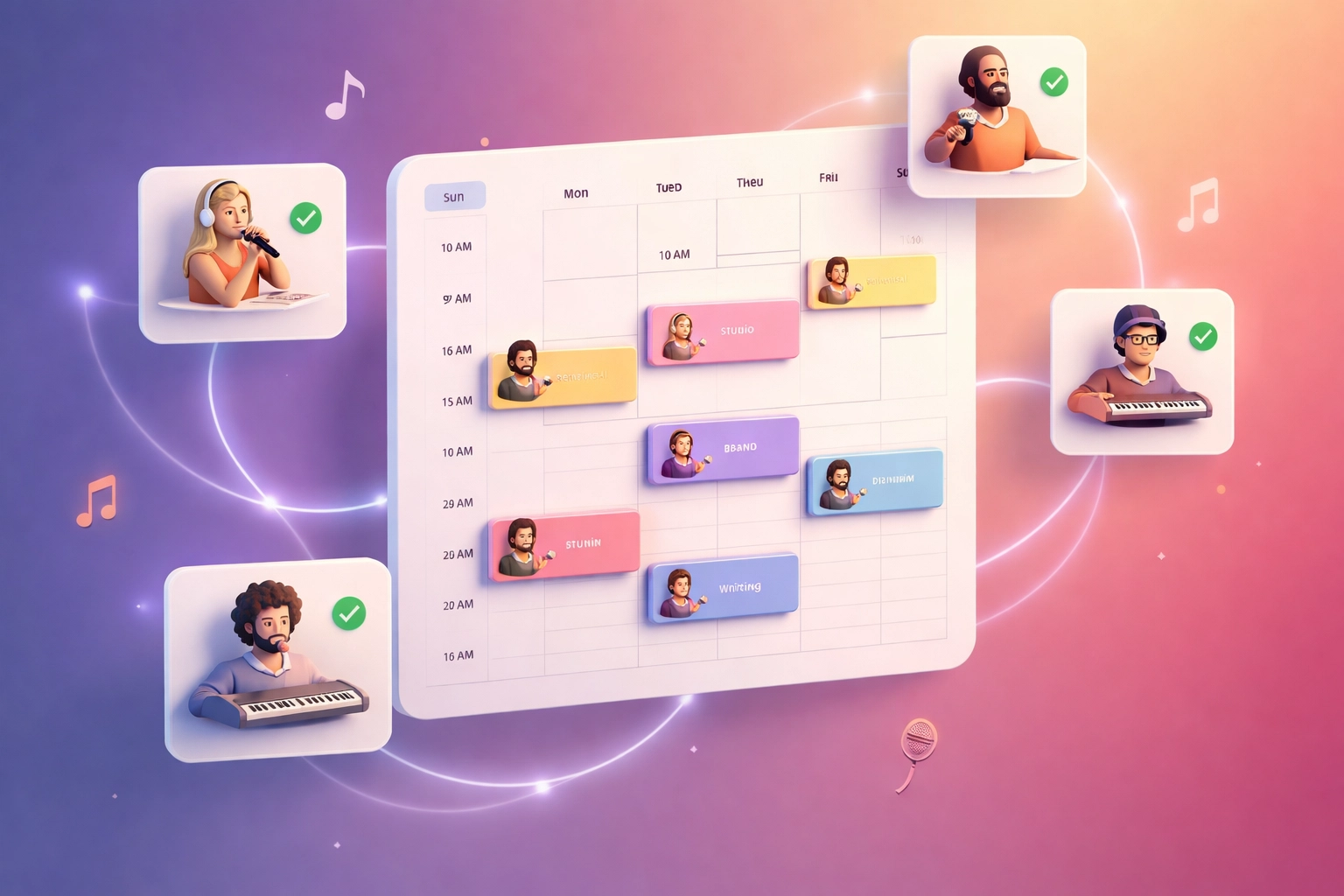
With a proper roster system, each musician on your team gets access to a calendar where they can mark themselves available or unavailable. When a gig comes in, you can instantly see who's free without sending a single message.
Even better? When you use Auto-Book, the system already knows who's available and can suggest (or automatically assign) the right players for each event.
What to set up:
- Add all your regular musicians to your roster with their instruments, pay rates, and contact info
- Invite them to manage their own availability
- Set default assignments for different gig types (wedding band vs. jazz trio, etc.)
This shift: from you being the "availability middleman" to musicians owning their own calendars: is a game-changer. You're no longer the bottleneck.
Step 4: Automate Your Payroll Calculations
Let's talk money.
If you're like most bandleaders, paying your musicians after a gig involves some version of this:
- Remember what everyone's rate is (or dig through old messages to find it)
- Calculate hours or flat rates
- Subtract any expenses or advances
- Send individual payments manually
- Try to remember to track it all for taxes
It's a pain in the rear. And it's error-prone. Nothing kills band morale faster than a payment mistake.
With Back On Stage's Team Payroll Management, all of this gets simplified:
- Each musician's rate is stored in their profile
- When you confirm a gig, payroll is calculated automatically based on who's assigned
- You can see a clear breakdown of what's owed to each person before the gig even happens
- Payment tracking keeps everything documented for tax season
The big win: You're not doing math at 1 AM after a 4-hour wedding reception. The system already knows what everyone gets paid. You just confirm and send.

For bands that have moved away from spreadsheets, this is usually the feature that makes them wonder why they didn't switch sooner. If you want to dive deeper into why modern bands are ditching Excel, check out The Death of the Spreadsheet.
Step 5: Set It and Forget It With Recurring Events and Templates
The final step is where you go from "automated" to "running on autopilot."
If your band plays regular gigs: weekly residencies, monthly corporate clients, annual events: you shouldn't have to rebuild the wheel every time. Templates and recurring events let you clone your most common setups.
Here's how it works:
- Create a template for your standard wedding package (6-piece band, 4 hours, specific pay rates)
- When a new wedding inquiry comes in, apply the template with one click
- For recurring gigs, set them to auto-populate on your calendar with the same team and pay structure
You can even handle multi-day events like festivals or destination weddings without creating separate entries for each day.
The mindset shift: Stop treating every gig like a brand-new project. The more you can templatize, the less you have to think about logistics: and the more you can focus on the music.
The Real Payoff: 5+ Hours Back Per Gig
Let's add it up.
| Task | Old Way | Automated Way |
|---|---|---|
| Entering lead info | 15 min | 0 min (auto-captured) |
| Checking availability | 30-60 min | 2 min (self-service) |
| Assigning musicians | 20 min | 1 click (Auto-Book) |
| Calculating payroll | 30 min | 0 min (auto-calculated) |
| Chasing confirmations | 45 min | 5 min (automated reminders) |
| Total | 2-3 hours | Under 10 minutes |
Multiply that by 10, 20, or 50 gigs a year, and you're looking at days of your life back. Days you could spend rehearsing, writing, or: here's a wild idea: actually relaxing.
Ready to Make the Switch?
Look, I get it. Changing systems feels like a big deal when you're already busy. But here's the truth: the longer you wait, the more hours you're burning on admin that a machine could handle.
You didn't start a band to become a spreadsheet jockey. You started it to play music and build something meaningful.
The right band management software doesn't just save time: it gives you back the headspace to be a musician again.
If you're ready to stop being a full-time administrator and start running your band like the professional operation it deserves to be, Back On Stage was built exactly for this.
Your first step today: Pick ONE of the five steps above and tackle it this week. Even just centralizing your info (Step 1) will make everything else easier.
You've got this.